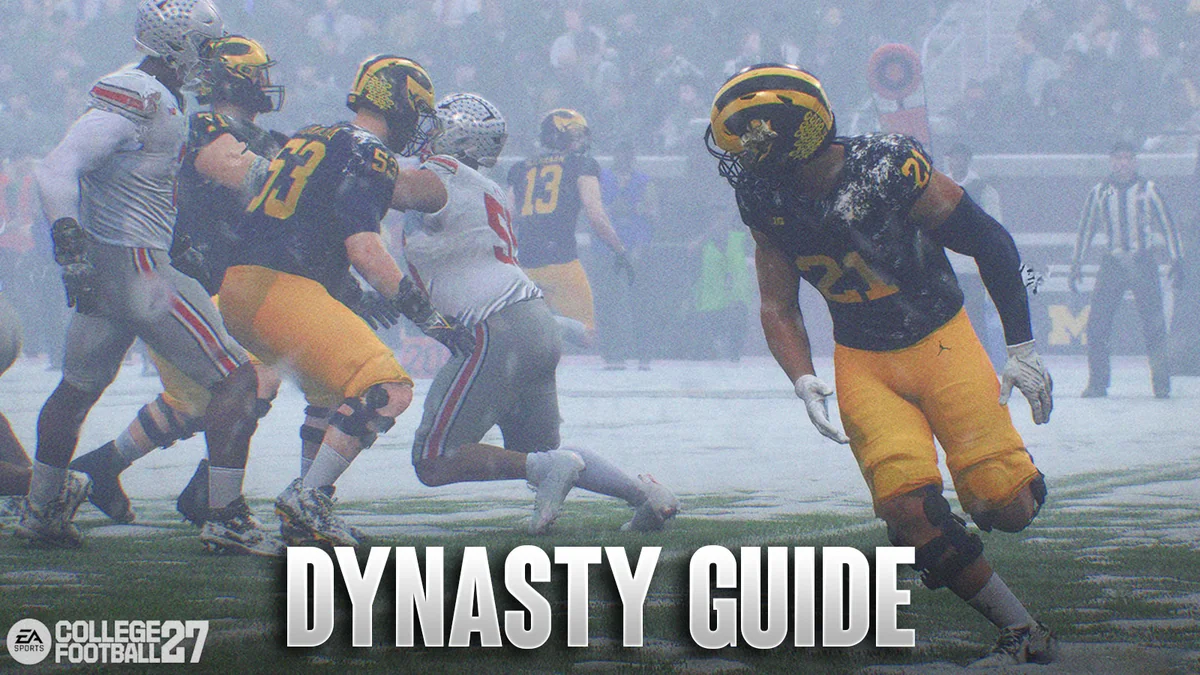
So you just fired up College Football 27 and you’re staring at the Dynasty Mode menu. Maybe you picked a blue blood like Alabama or Ohio State. Maybe you went rogue with a Group of Five rebuild like Kennesaw State. Either way, the first few screens are going to hit you with a lot of options. Roster settings. Coach backgrounds. A whole new Blueprint system that wasn’t in last year’s game. It’s a lot.
But here’s the thing. You don’t need to master everything before you start. You just need to know what actually moves the needle. Let’s cut through the noise.
What Even Is Dynasty Mode Now?
Dynasty is still the franchise mode of College Football 27, same as always. You take a college program, you recruit players, you win games, you try not to get fired. But this year the developers added three big things that change how it all works: the Dynasty Blueprint system, Athletic Director Expectations, and NIL. These aren’t just flavor additions. They fundamentally change how you build a program over multiple seasons.
The Blueprint system is essentially a budget. Every school gets a pool of Dynasty Points each year based on things like Program Tradition, Brand Exposure, and Conference Prestige. You spend those points on staff hires, facility upgrades, and NIL offers for recruits and current players. Spend poorly and you’ll stagnate. Spend smart and you’ll climb the rankings faster than your rivals.
Picking Your School Is Not Just About Logo Preference
A lot of players just pick their favorite team and go. That’s fine if you’re not trying to win a national title by Year 3. But if you care about efficiency, you need to look at three things before you hit confirm.
First, check the School Grade screen. Every school gets graded on 14 categories. Some of these are fixed, like Proximity to Home and Academic Prestige. You can’t change them. Others like Program Tradition, Stadium Atmosphere, and Pro Potential are movable. They improve when you win big games, send players to the NFL, and fill the stands. The composite of all these grades is your Team Prestige, and that prestige directly impacts how recruits see you.
Second, look at the Dynasty Blueprint. This tells you how many Dynasty Points your school starts with. Purdue starts with 1,855 out of a possible 3,400. A team like Georgia might start closer to the cap. The higher your starting budget, the more flexibility you have in Year 1 to hire good staff and upgrade facilities.
Third, read your Athletic Director’s expectations. Some ADs are chill. Others will fire you if you drop a conference game you shouldn’t have. Meeting those expectations earns you bonus Dynasty Points. Ignoring them hurts your job security. Pick a school where the expectations line up with your skill level.
Coach Backstory Matters More Than You Think
You can play as a real coach like Kirby Smart or Ryan Day, but creating your own coach is more fun and gives you full control. The game asks you to pick a backstory: Motivator, Recruiter, or Tactician. Each unlocks a different skill tree from the jump.
If you’re new to Dynasty, pick Recruiter. That tree gives you direct advantages in landing high school kids and transfer portal guys. The other trees are useful later, but recruiting is where you’ll win or lose your first few seasons. You can unlock the other trees as you level up, so don’t stress too much about being locked in forever.
The Blueprint Budget Is Your Most Important Screen
Here’s where a lot of new players mess up. They see they have 2,000 Dynasty Points and they dump half of it on a single five-star recruit’s NIL offer. That’s a mistake early on.
Your Dynasty Points refresh every year. You can spend them on Staff, Facilities, Recruit NIL, and Roster NIL. Staff and Facilities have longer-term payoff. A good recruiting coordinator or a platinum-level trainer reduces costs elsewhere and improves player development. Upgrading your facilities from Basic to Competitive costs points but bumps your Athletic Facilities grade, which helps with recruiting.
NIL is powerful but expensive. A four-star recruit might demand 200 points. A five-star could cost 500 or more. And if you overspend on a recruit, you’ll need to match or exceed that number next season if you want to keep him. That eats into your budget for years. The smart play is to spend conservatively on NIL in Year 1 and dump points into staff and facilities instead. Once your program prestige rises and your budget cap grows, then you can get aggressive with NIL offers.
Recruiting Hours and Transfer Portal Timing
You get a set number of recruiting hours each week. You can spend up to 50 hours on a single recruit. The most efficient way to land a guy you really want is to Send the House (50 hours), offer a scholarship, and schedule a visit for a home game against a ranked opponent. Visits don’t count against your 50-hour limit on that recruit, but they do eat into your total weekly hours, so plan ahead.
The Transfer Portal works the same way but on a compressed timeline. You only have a few weeks to make an impression. If you have a gap in your depth chart, don’t wait. Go after a portal kid early and offer NIL fast. Transfers are especially useful for plugging holes at positions like offensive line or linebacker where high school recruits take two or three years to develop.
Wear and Tear Is Real. Rotate Your Guys.
Every snap your players take adds to their Wear and Tear meter. Yellow means they’re banged up. Red means they’re one hit away from a significant injury. The game gives you a lot of ways to track this, including the new Coach Vision overlay during playcalling. Use it.
The good news is that college rosters are huge. You can carry five running backs and rotate them all game. If you’re up by three scores in the fourth quarter, pull your starters. The Dynamic Subs menu (right on the D-Pad) lets you quick-swap groups of players without pausing. This is especially useful for defensive linemen, who take the most cumulative wear over a season.
One Final Piece of Practical Advice
If you want to ease into Dynasty, go into the settings before you start and bump up the XP sliders. That speeds up your coach progression and gives you more ability points early. Drop the gameplay difficulty to Varsity if you’re still learning the controls. There is no shame in it. The CPU cheats less on Varsity, and you’ll have more fun while you learn the recruiting and Blueprint systems.
Dynasty Mode in College Football 27 is deeper than it has ever been. But the core loop is still the same: win games, recruit talent, keep your program healthy. The new systems just give you more control over how you get there. Take it one season at a time.
Leave a Comment