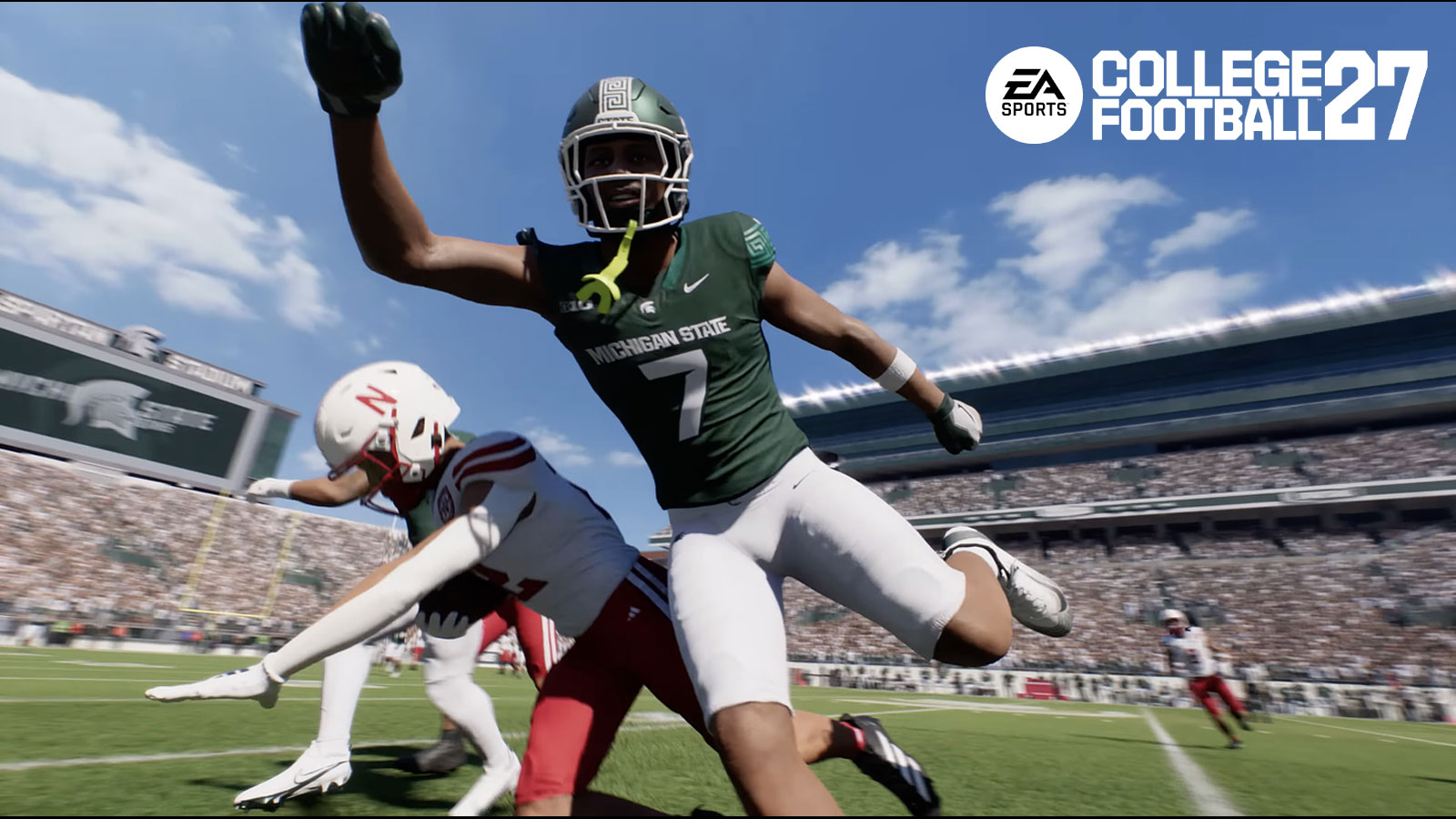
It’s midseason in College Football 27 and your depth chart probably already looks outdated. Maybe your freshman quarterback just threw for 400 yards in real life and EA Sports gave him a ratings bump. Maybe your star running back is banged up and you want to swap him out before your next Dynasty game. Whatever the reason, you need to know how to update those rosters. And it’s easier than you think.
Where to Find the Roster Update Option
From the main menu, hit the Create and Share tab. That’s the one you usually skip past to get to Dynasty or Road to Glory. Use R1 or RB to scroll over. Then select Rosters. Then select Update Rosters. That’s it. The game will check for the latest file from EA’s servers and apply it.
One thing: you need a working internet connection. If you’re not signed into EA’s servers, the option won’t even show up. And if you already have the most recent update, the game will tell you. No guesswork.
What Actually Changes When You Update
EA rolls out roster updates throughout the season, usually weekly, similar to how Madden handles it. Player overall ratings shift based on real-life performance. A receiver who’s been lighting up Saturdays might jump from a 78 to an 83. A defensive end who’s been invisible could drop a few points. The idea is to keep the game feeling current.
But there’s a catch. If you’re mid-Dynasty or in the middle of a Road to Glory season, your saved file uses whatever roster you started with. The update won’t retroactively apply to an active save. You’d have to start a new Dynasty to see the changes. Some players restart their Dynasty every few weeks just to keep things fresh. Others just roll with whatever they started with.
You Can Also Build Your Own Rosters
The Rosters menu isn’t just for downloading EA’s updates. You can manually reorder depth charts, move players around, and create your own custom roster file. This is useful if you want to simulate a trade or adjust playing time for a specific player. You can save that file and load it into a new Dynasty or play now game.
The Create and Share section also holds your TeamBuilder files, custom playbooks, and other user-created content. Worth poking around in there if you haven’t already.
When the Updates Stop
Once the College Football Playoffs wrap up, EA typically stops sending roster updates for that year’s game. They shift focus to the next title. So if you’re still playing College Football 27 in July, you’re stuck with whatever roster you have. No more weekly surprises.
But during the season, checking for updates every Thursday or Friday is a good habit. Especially if you’re running multiple Dynasties or just want to see how your favorite players stack up week to week.
Leave a Comment